

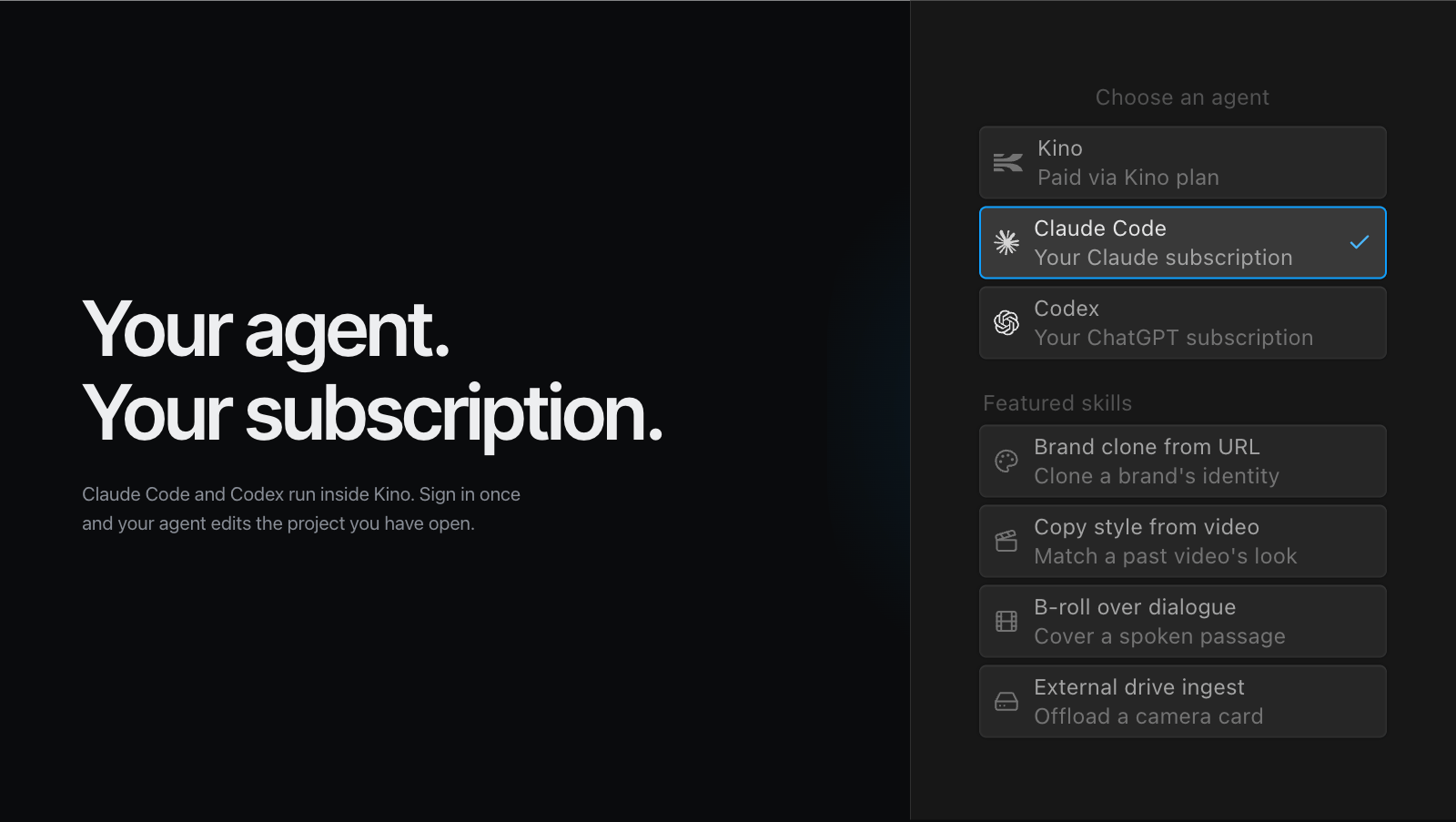
Agent comparison
The agent decides the runtime, setup path, model access, and billing owner.| Agent | Availability | Setup | Billing |
|---|---|---|---|
 Kino Kino | Built in, everywhere Kino runs. | None. Uses the account already signed in. | Kino plan. |
 Claude Code Claude Code | Desktop only. Kino includes a managed Claude Code executable. | Claude sign-in, or AWS Bedrock with a profile and region. | Claude subscription or Bedrock. |
 Codex Codex | Desktop only. Kino includes a managed Codex executable. | ChatGPT sign-in. | ChatGPT subscription. |
 Grok Bot Grok Bot | Runs on its own cloud computer with the Kino desktop app for Linux installed. | One message to the bot. | SuperGrok or Cursor plan. |
 Devin Devin | Runs on its own cloud machine with the Kino desktop app for Linux installed. Watch it in the Desktop tab. | One message to Devin. | Devin plan. |
Working in chat
Whichever agent you run, you talk to it in chat. Chat is a great place to ask for an edit and a terrible place to watch one. Ask here; results land on the timeline.Ask questions
“What clips have Sarah in them?” or “Show me all the outdoor shots”
Tag people
@mention people in your library to reference them in conversation
Drag in clips
Drop videos directly into chat to ask about specific footage
Build timelines
Ask Kino to add clips to your timeline: “Add this to the rough cut”
Example conversations
- Finding footage
- Building a timeline
- Asking questions
Show me all clips where @Brian is speaking about the product launch
Found 4 clips matching your search…