Kino watches your footage, writes logs, and makes every moment searchable
Without an index, a big library is write-only: footage goes in and never comes out. Kino watches everything during ingest and writes logs you can search — each clip gets a title, description, transcript, detected people, and highlight markers. Chat and connected agents read the same logs.
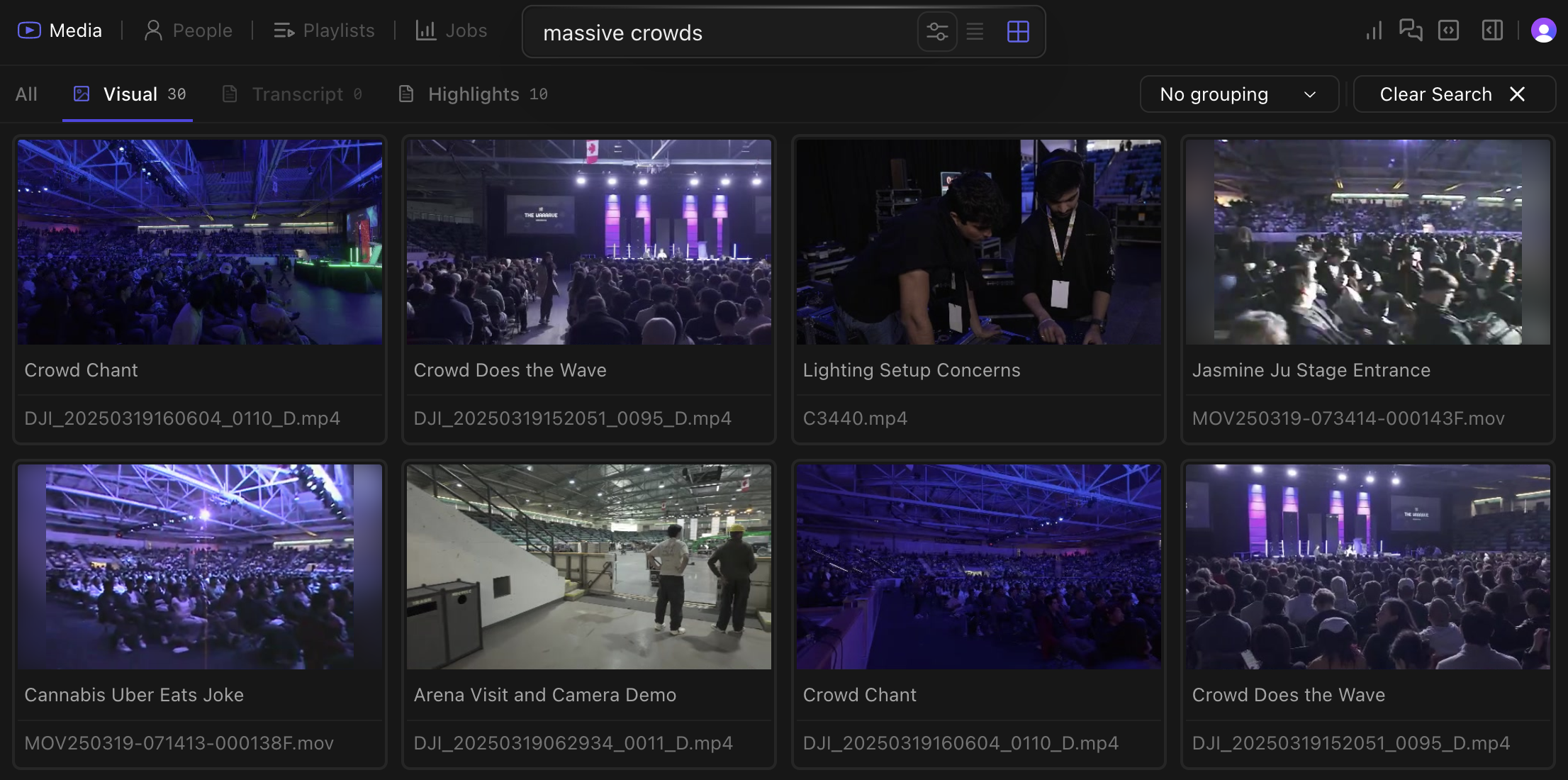
Natural language search for 'massive crowds' finds relevant scenes
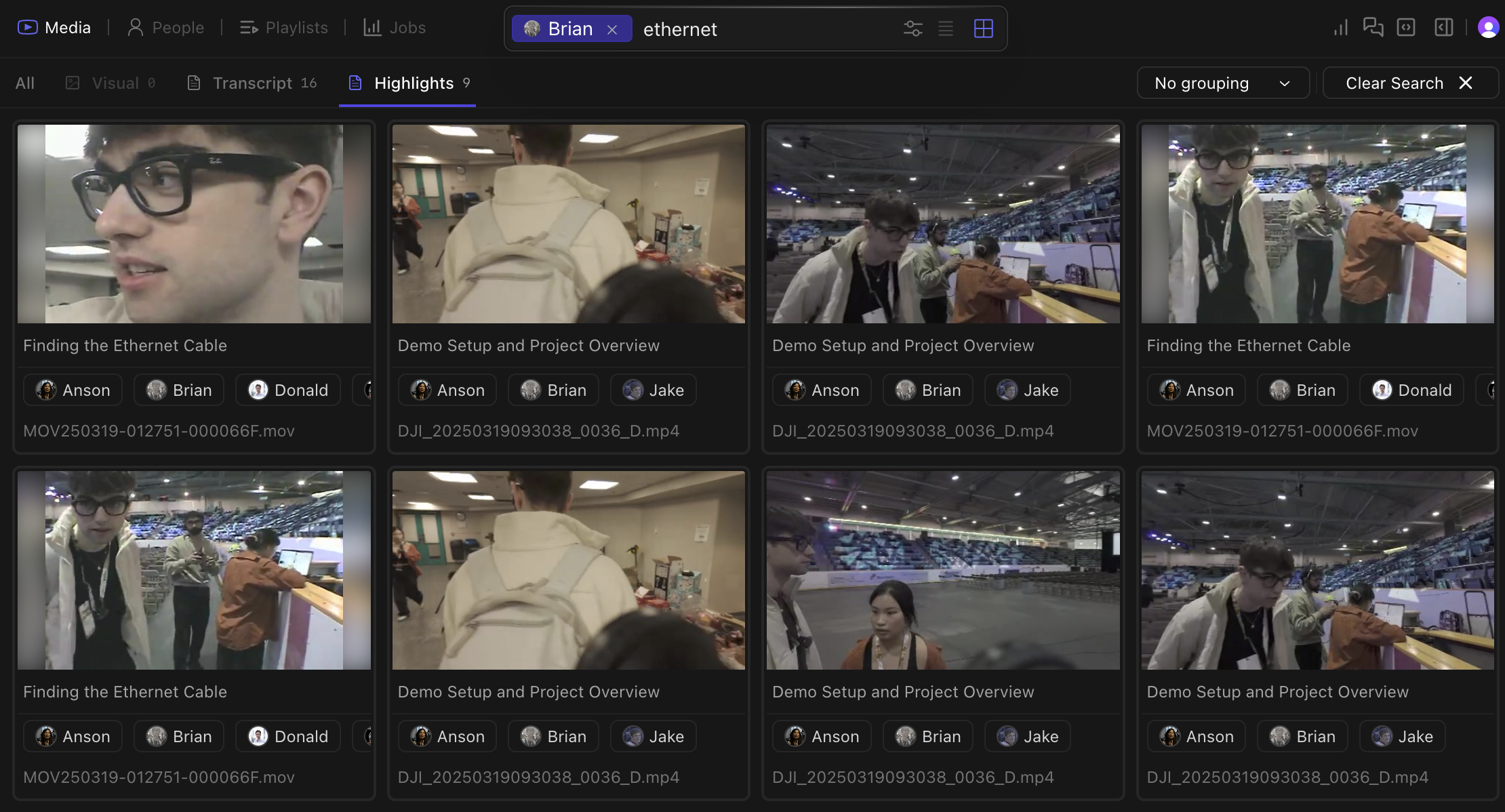
Spoken words become searchable after transcription. Find dialogue without making transcripts by hand.
Kino recognizes objects, scenes, actions, and visual elements in your footage. Search for “beach sunset”, “two people walking”, or “drone shot of city”.Visual search can find shots that filenames and folder names miss. Chapter highlights from logging surface in visual results too.
Matches filenames, folder paths, and AI-generated titles. This tab appears when your query looks like a file — useful when you know a clip is called A012_C004 but not what’s in it.
Press Shift+Tab to cycle between search modes.
Combine search methods:
Find all clips where “@Sarah mentions quarterly results near whiteboard”
Locate “exterior shots of building with people entering during daytime”
Filter for “closeup shots with dramatic lighting and minimal dialogue”
Add a clear, high-quality picture from your clipboard with Cmd + V, or select an image from your computer.
3
Submit and process
Submit the photo. Kino will populate the page with footage containing that person.
Use well-lit photos for better detection. Once configured, Kino’s logs incorporate the names of people in your library, and you can browse the whole library by person.
Video logging — analyzing footage and writing detailed descriptions of its content — is traditionally done manually by professional loggers who watch every second of footage, often multiple times. Kino does that work during ingest, so editors can skim a library without opening every file.
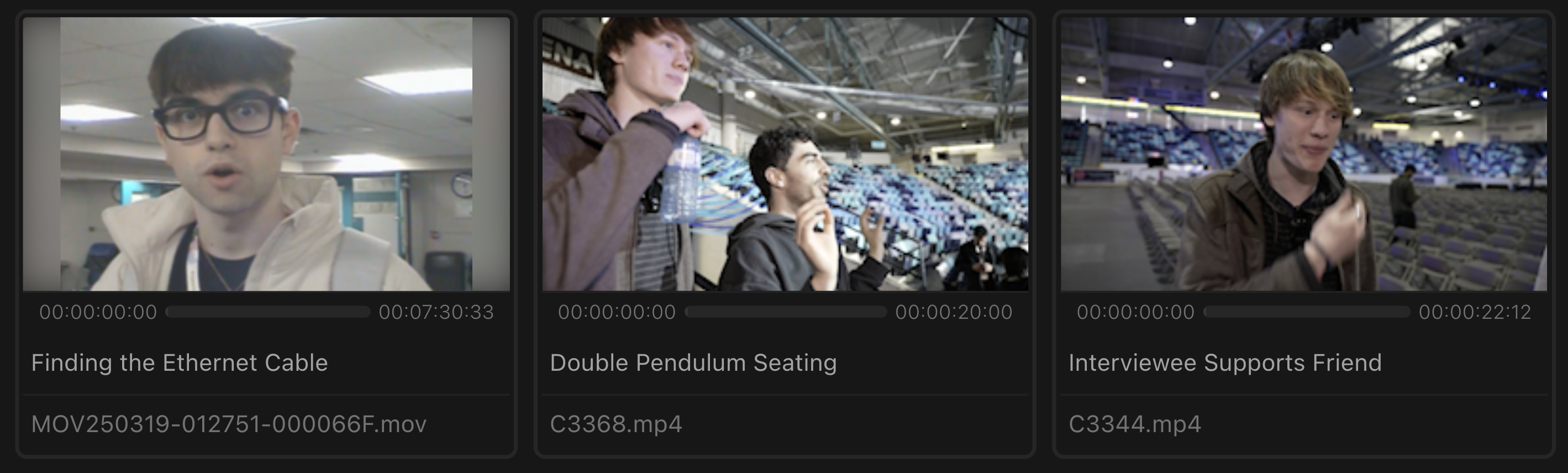
Automatic titles
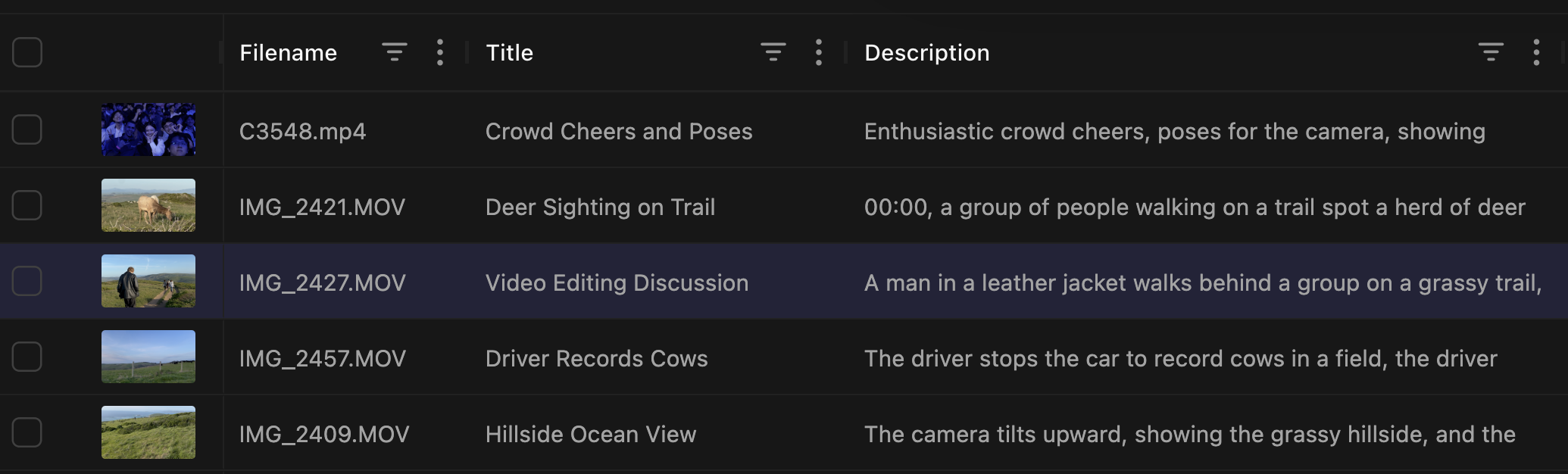
Automatic descriptions
Person identification
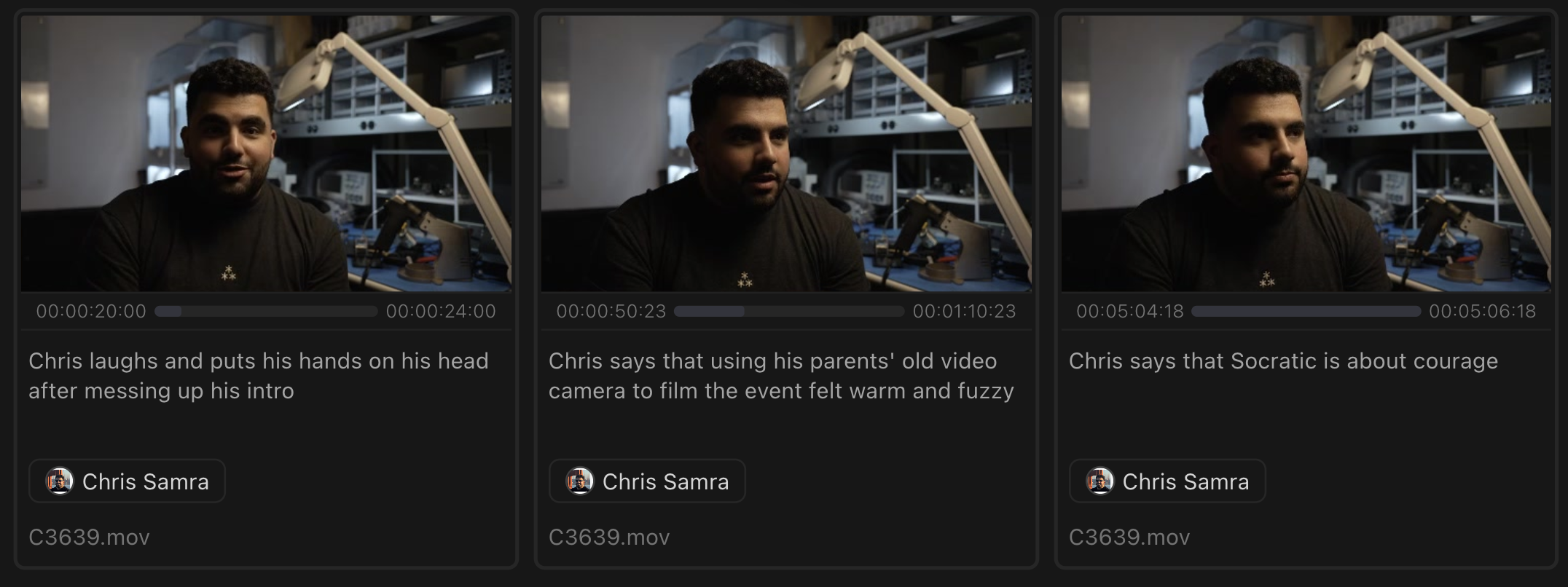
Highlight generation
Whether it’s raw footage, clips from YouTube, or a mix of both, every clip receives a readable title.Filenames like IMG_3923.MOV can become Brendan Backstage Interview Before Keynote, which makes grid browsing much faster.
AI transforms raw filenames like 'IMG_3923.MOV' into descriptive titles
Kino descriptions can include:
Visual elements and actions happening on screen
Camera movement and shot type
Dialogue context and quotes
Setting and environment details
Emotional tone and atmosphere of the scene
Use descriptions when a transcript alone is not enough to find the shot.