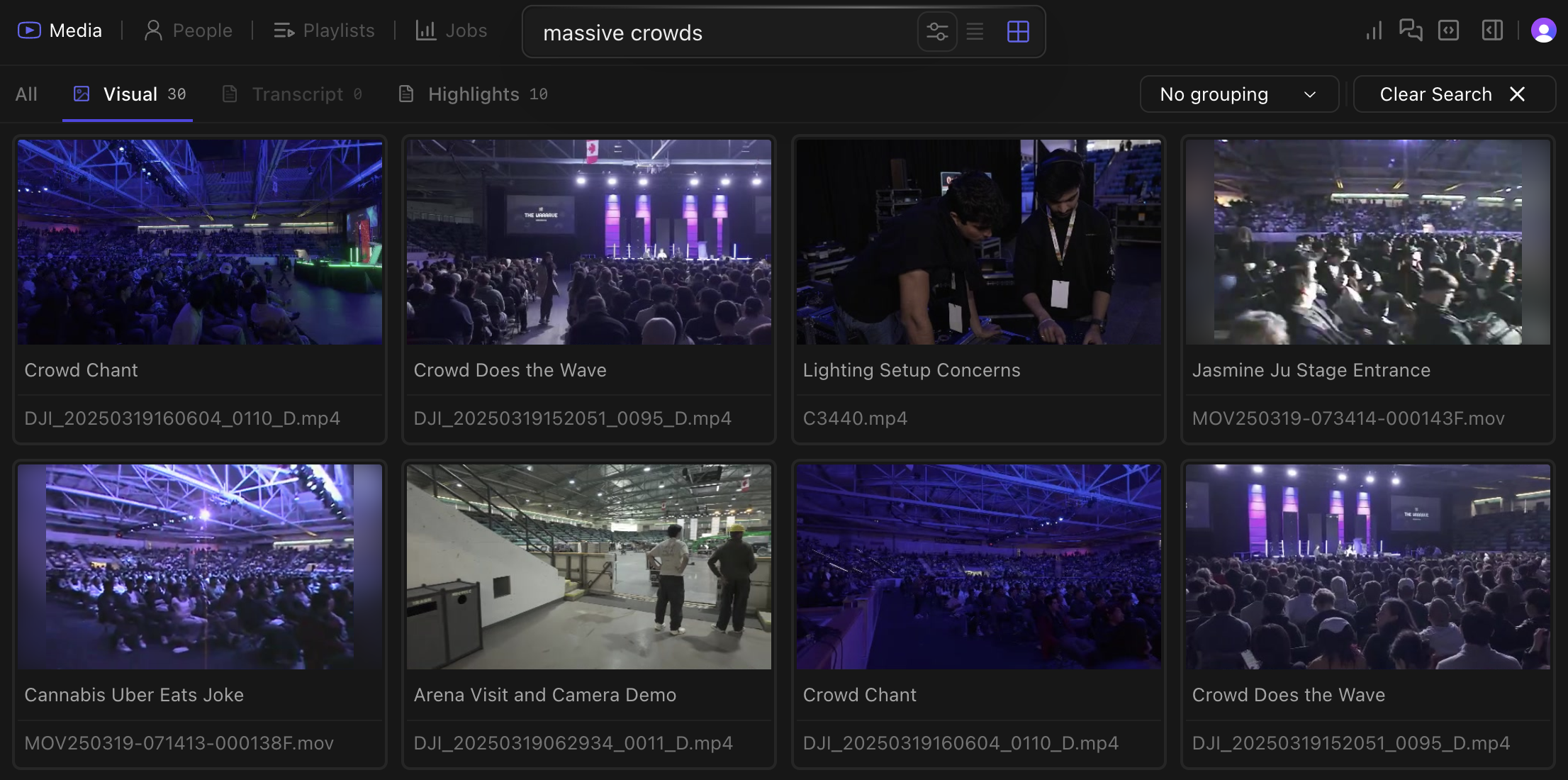
Without an index, a big library is write-only: footage goes in and never comes out. Kino indexes everything, so you can search by transcript, visual content, people, and plain-language queries.
Kino search interface showing massive crowds search

Natural language search for 'massive crowds' finds relevant scenes

Search by people

Person detection lets you filter footage by who appears in a shot.
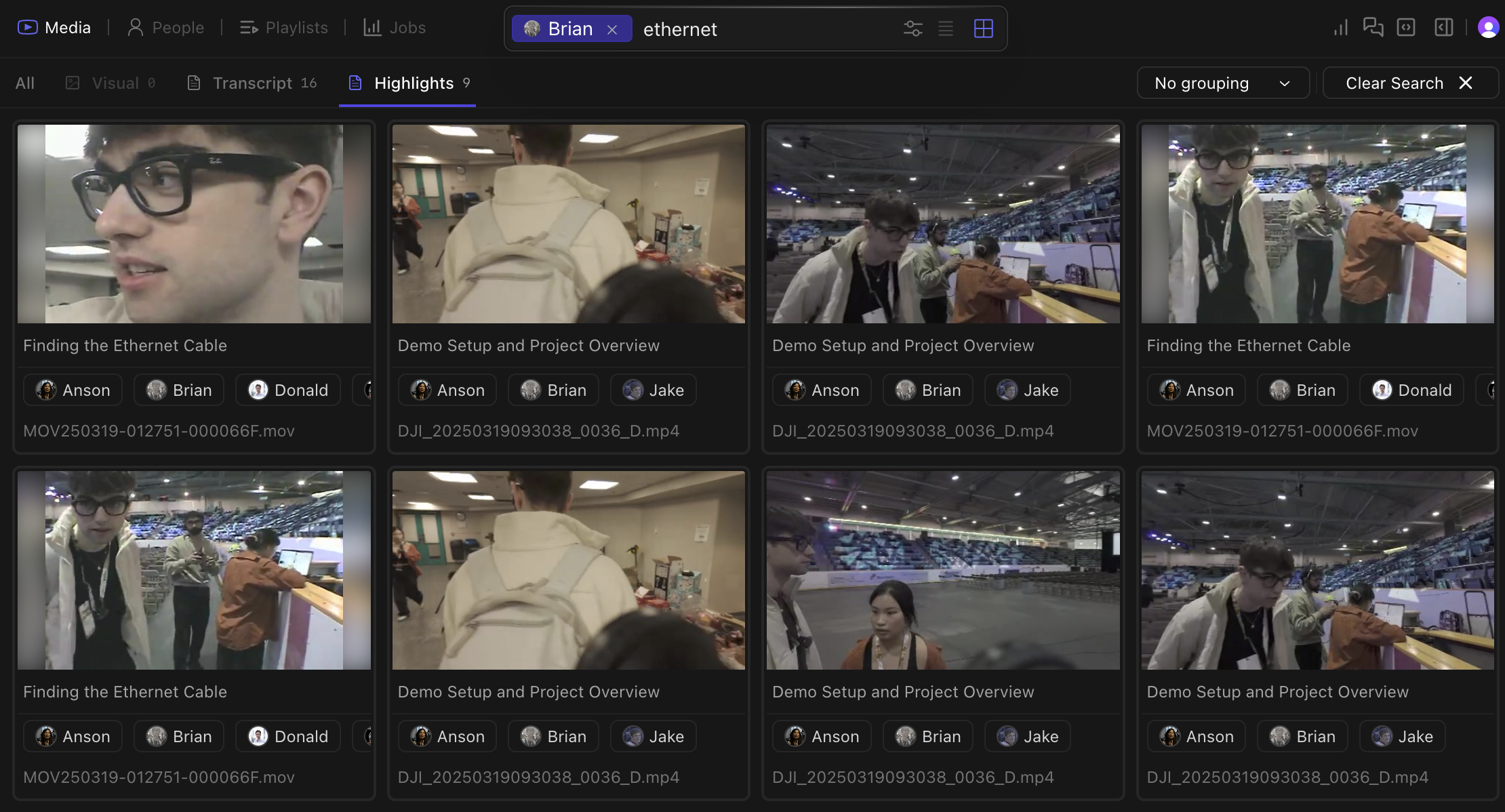
Searching for Brian in Kino interface

@'ing Brian returns all footage containing him, plus 'ethernet'

Search modes

Spoken words become searchable after transcription. Find dialogue without making transcripts by hand.
Press Shift+Tab to cycle between search modes.

Filtering

Combine search methods:
  • Find all clips where “@Sarah mentions quarterly results near whiteboard”
  • Locate “exterior shots of building with people entering during daytime”
  • Filter for “closeup shots with dramatic lighting and minimal dialogue”