> ## Documentation Index
> Fetch the complete documentation index at: https://kino.ai/docs/llms.txt
> Use this file to discover all available pages before exploring further.
# Search
> Find any moment in your video library
Without an index, a big library is write-only: footage goes in and never comes out. Kino indexes everything, so you can search by transcript, visual content, people, and plain-language queries.
 ## Search by people
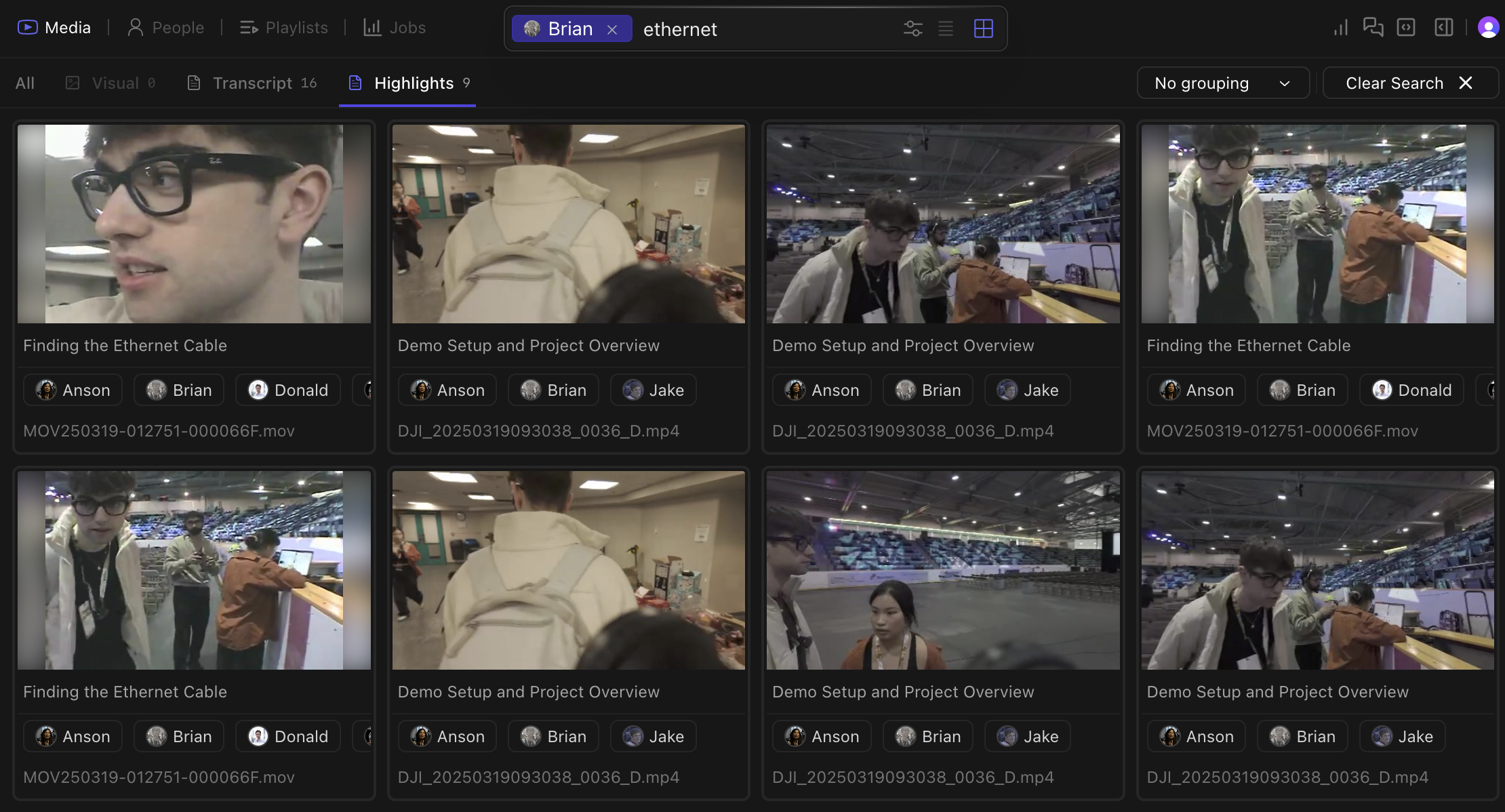
[Person detection](/docs/people-detection) lets you filter footage by who appears in a shot.
## Search by people
[Person detection](/docs/people-detection) lets you filter footage by who appears in a shot.
 ## Search modes
Spoken words become searchable after transcription. Find dialogue without making transcripts by hand.
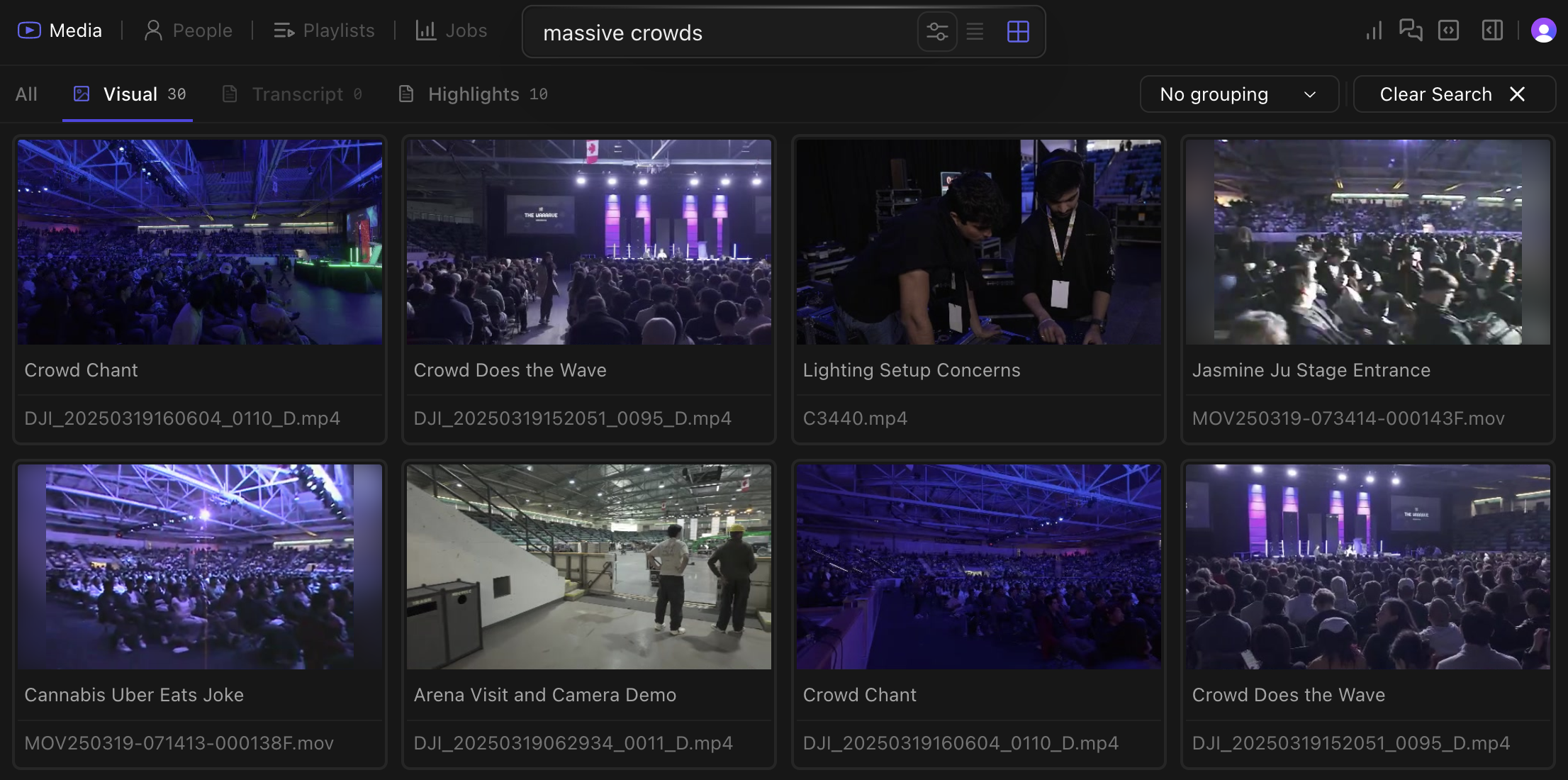
Kino recognizes objects, scenes, actions, and visual elements in your footage. Search for "beach sunset", "two people walking", or "drone shot of city".
Visual search can find shots that filenames and folder names miss. Chapter highlights from [logging](/docs/features/logging) surface in visual results too.
Matches filenames, folder paths, and AI-generated titles. This tab appears when your query looks like a file — useful when you know a clip is called `A012_C004` but not what's in it.
Press `Shift+Tab` to cycle between search modes.
## Filtering
Combine search methods:
* Find all clips where "@Sarah mentions quarterly results near whiteboard"
* Locate "exterior shots of building with people entering during daytime"
* Filter for "closeup shots with dramatic lighting and minimal dialogue"
## Search modes
Spoken words become searchable after transcription. Find dialogue without making transcripts by hand.
Kino recognizes objects, scenes, actions, and visual elements in your footage. Search for "beach sunset", "two people walking", or "drone shot of city".
Visual search can find shots that filenames and folder names miss. Chapter highlights from [logging](/docs/features/logging) surface in visual results too.
Matches filenames, folder paths, and AI-generated titles. This tab appears when your query looks like a file — useful when you know a clip is called `A012_C004` but not what's in it.
Press `Shift+Tab` to cycle between search modes.
## Filtering
Combine search methods:
* Find all clips where "@Sarah mentions quarterly results near whiteboard"
* Locate "exterior shots of building with people entering during daytime"
* Filter for "closeup shots with dramatic lighting and minimal dialogue"