> ## Documentation Index
> Fetch the complete documentation index at: https://kino.ai/docs/llms.txt
> Use this file to discover all available pages before exploring further.
# Cmd+K
> Kino's Command Menu lets you instantly retrieve filenames, transcripts, and more
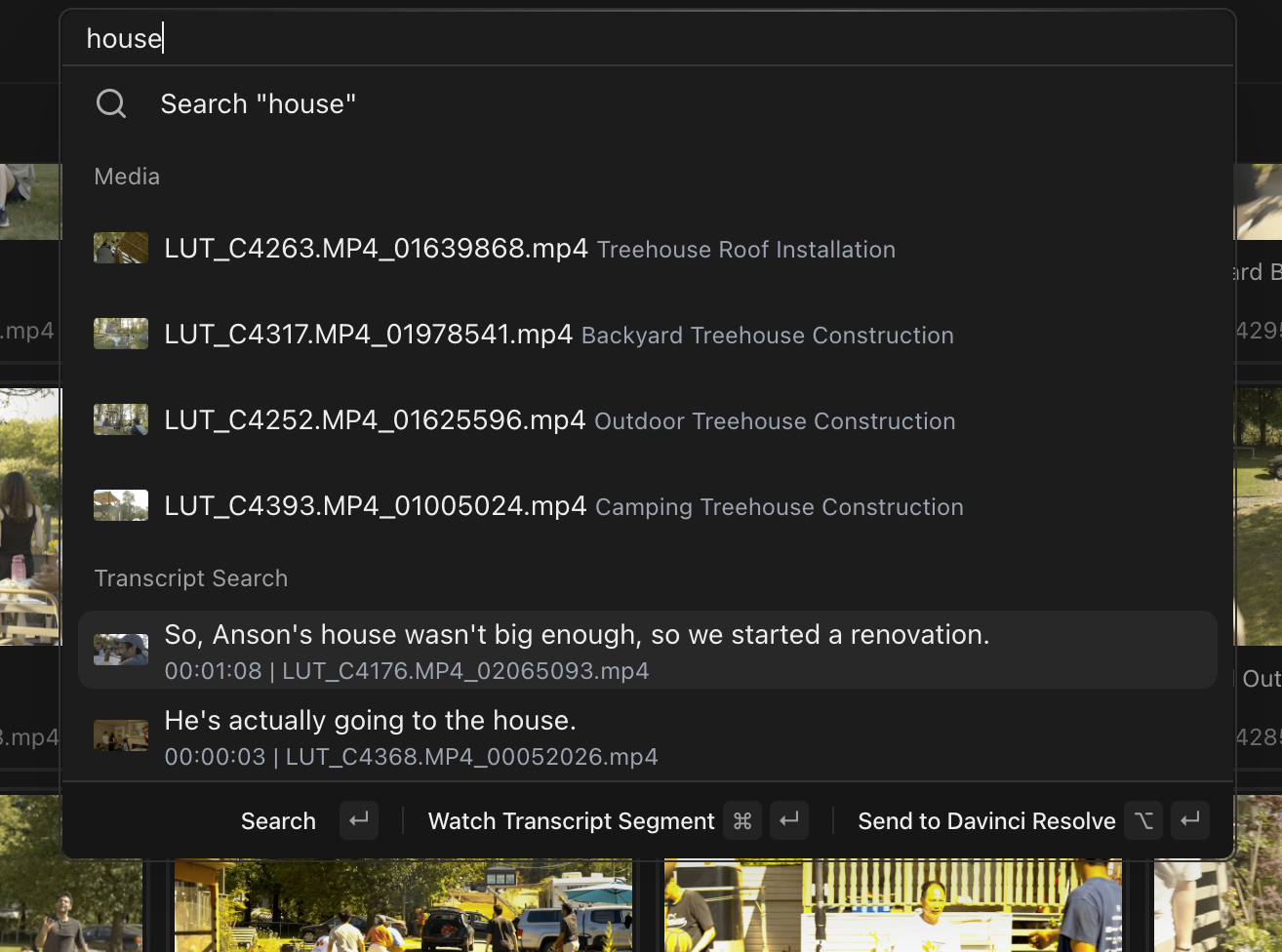
With `Cmd` `K`, in milliseconds you can summon:
* Filenames (both AI-generated and raw)
* Transcripts
* People and bins (type `@` to filter by them)
* The Media, Editor, and Projects pages
* Actions like creating a bin
With the editor open, press `Cmd` `Enter` on a media or transcript result to send it straight to your timeline.
`Cmd` `K` opens the menu inside the editor. Anywhere else, `Cmd` `P` focuses the same search input.
The menu searches names and transcripts. For visual search — "drone shot of city", "two people walking" — use [Kino search](/docs/features/search).